
Secure Your Legacy
Experience the intuitive interface designed to keep your family's digital assets secure, organized, and accessible when it matters most.
App Features
Discover all the powerful tools Family Vault provides to keep your family's legacy safe and accessible.
Secure Vault
Bank-level AES-256 encryption protects every document, photo, and note you store. Your data is encrypted at rest and in transit.
Emergency Access
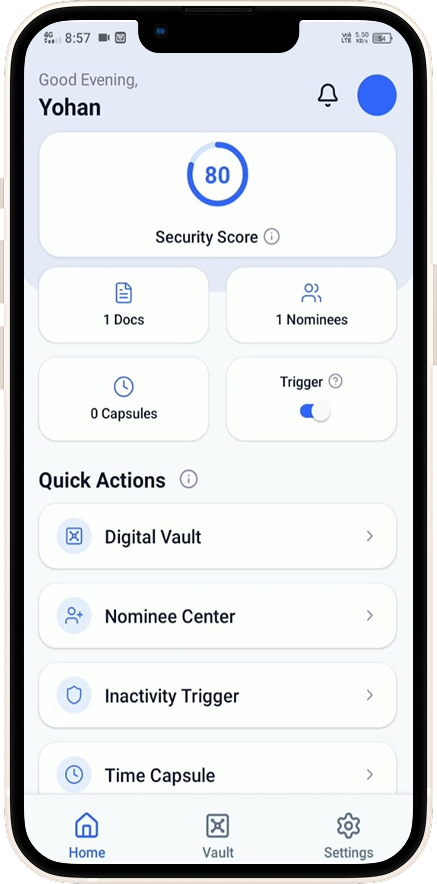
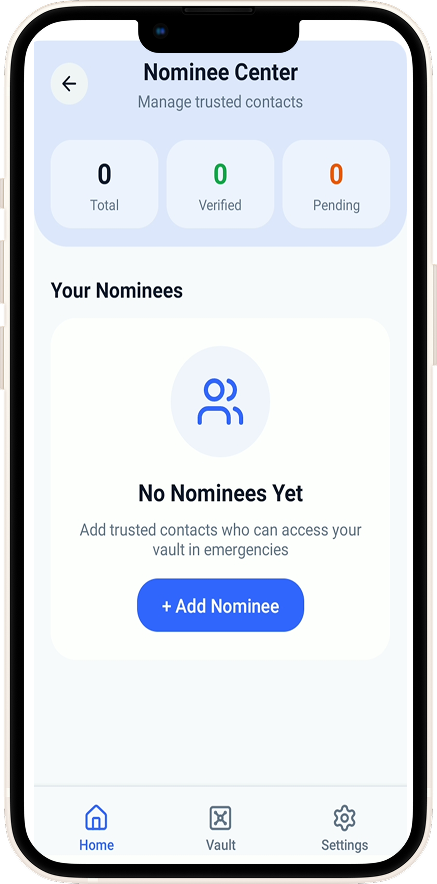
Designate trusted Nominees who can access your vault under predefined emergency conditions or inactivity triggers you control.
Time Capsule
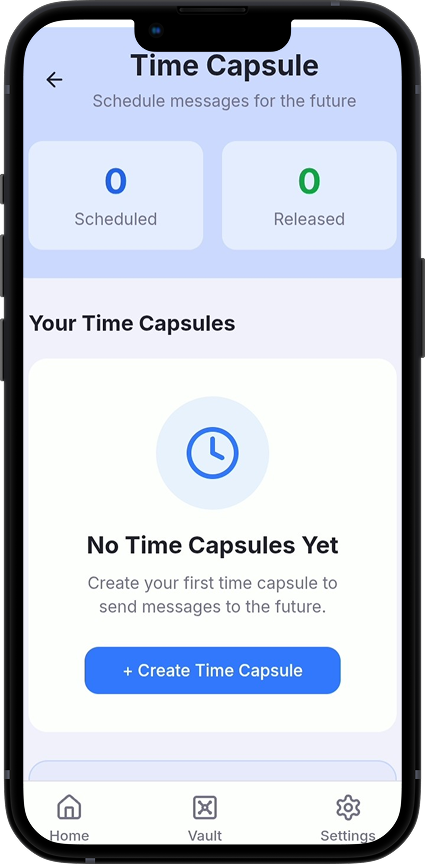
Schedule messages, photos, and documents to be delivered to your loved ones at a future date. Perfect for anniversaries, milestones, or farewell notes.
Smart Categories
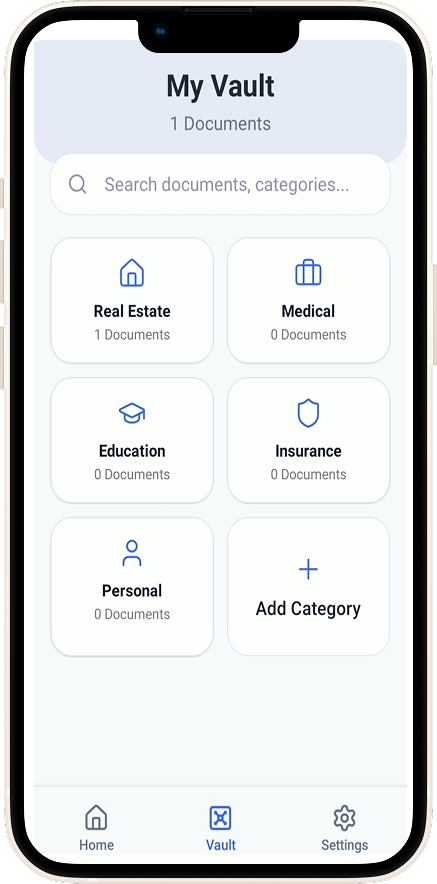
Organize everything with intuitive categories — Documents, Photos, Passwords, Notes, and more — so you always find what you need instantly.
Family Sharing
Safely invite family members to collaborate on shared items. Control exactly who can view or edit each document or folder.
Biometric Security
Unlock your vault instantly with Face ID or fingerprint. Combines maximum convenience with maximum security.
Cross-Platform
Access your vault from any device, anytime. Your data stays perfectly synced across Android, iOS, and the web.
Trash & Recovery
Accidentally deleted something? Items are kept in Trash for 30 days before permanent deletion, giving you peace of mind.
Privacy First
We never sell your data. Your vault content is completely private — only you and your designated Nominees can ever access it.
Support & Help Center
Get answers, reach out, or manage your account — we've got you covered.
Contact Us
Have a question or need help? Reach out to our support team.
tech@help.vriksha.ai
We typically respond within 24-48 hours.
Delete Account
Want to delete your account and all associated data?
Go to Settings → Account → Delete Account in the app, or email us at:
tech@help.vriksha.ai
Frequently Asked Questions
Download the Family Vault app from the App Store or Google Play, then tap "Sign Up" and follow the instructions to create your account.
Yes! We use end-to-end encryption to protect all your data. Your information is encrypted before it leaves your device and can only be decrypted by you.
Navigate to the item you want to share, tap the share icon, and invite family members via email. They'll receive an invitation to view or collaborate on the item.
Deleted items are moved to the Trash and kept for 30 days before permanent deletion. You can restore items from Trash within this period.
On the login screen, tap "Forgot Password" and enter your email address. You'll receive a link to reset your password.
Time Capsule allows you to schedule content to be shared with family members at a future date. Perfect for preserving memories and messages for loved ones.
You designate trusted Nominees and configure inactivity or emergency triggers. When those conditions are met, your Nominees receive access to your vault contents automatically.
Family Vault supports photos, PDFs, documents, and notes. You can store passports, wills, insurance documents, passwords, and more.